Tree Service Software
Missed Call Text Back for Tree Services: Setup and Tips
Learn how missed call text back keeps tree service leads warm, which calls to automate, what can go wrong, and how to pick software that fits your crew.
 TreePilot3 min read

In this article
Why do unanswered calls cost tree service jobs?
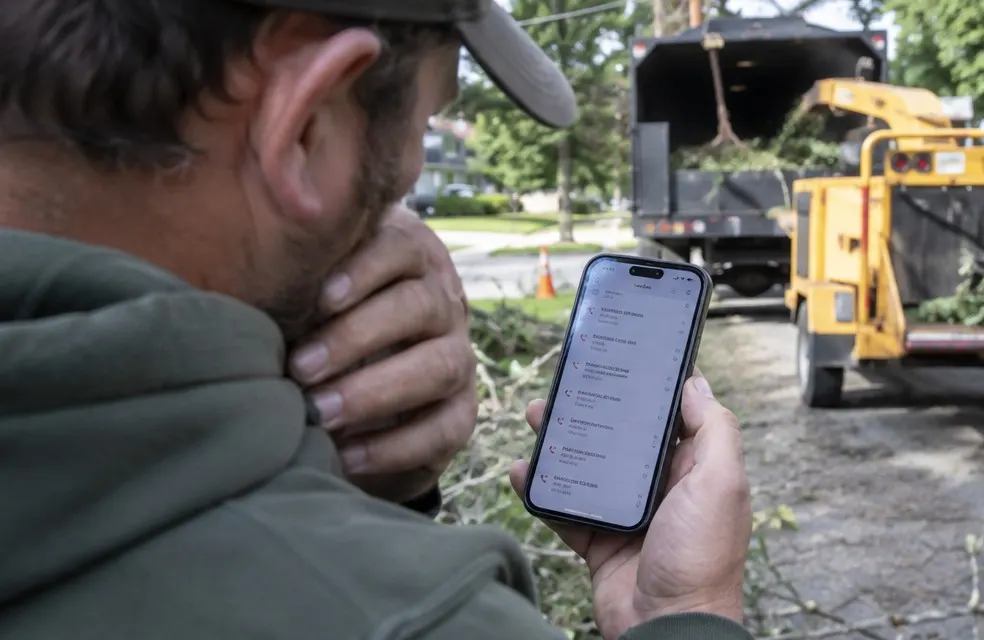
When you are up a bucket truck or running a chipper, your phone rings and nobody picks up. The caller does not wait around. They call the next tree service on their list. A homeowner with a limb on the roof or a fence down after a windy night will often move on within minutes. A missed call is often a lost job, and you may never know it happened.
Missed call text back is a simple fix. When a call goes unanswered, an automatic text goes out. It says who you are, that you saw the call, and what the next step is. The caller gets a reply instead of silence. That small moment keeps the lead warm while you finish the job in front of you.
How does missed call text back work for a tree service?
The setup is simple. You write the message, add your business name, and choose the link or booking step you want the caller to see. When a call is missed, the text goes out on its own. If the caller writes back, you see the conversation in one place and can answer when you are free.
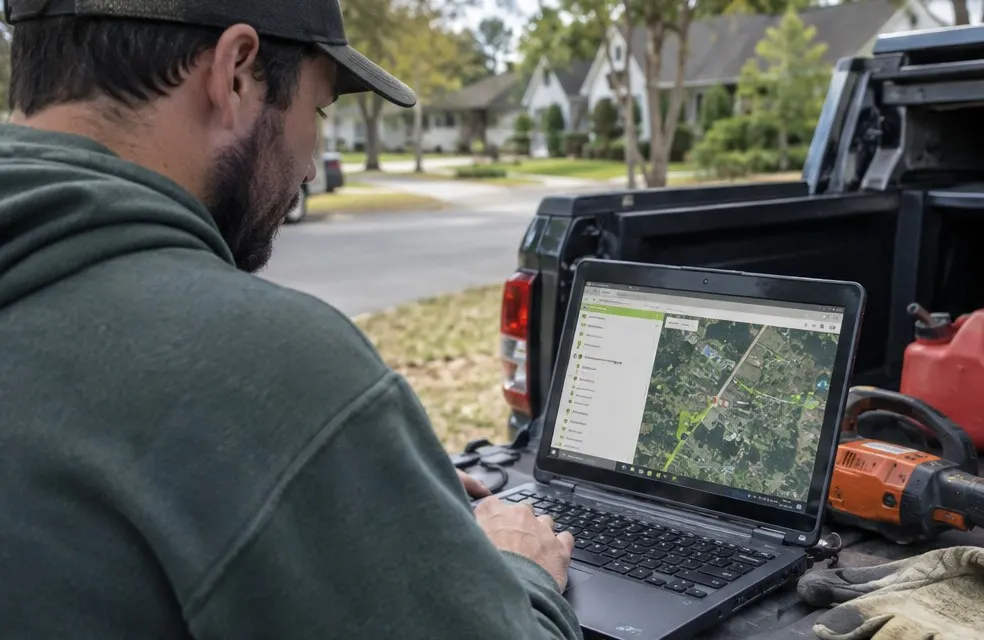
TreePilot is tree service software for small businesses. It pairs this kind of text with a website that gives instant ballpark estimates and an AI receptionist for storm calls. A caller who gets a text with a link to your estimate tool can see a number before a crew ever drives out. For example, the owner's tree trimming price can appear as "Estimate your price, Tree trimming, under 30 ft: $200 per trees from $350". That gives the caller a clear starting point and gives you a better first conversation.
Which calls should trigger a text back?
Not every call needs the same message. A short, plain reply works best when it matches the situation. Set up a few different replies so the text fits what the caller is likely dealing with.
- Calls after hours, when a storm damage message and a call-back time fit best
- Calls during a job, when a short note that you are on a site works well
- Calls from new numbers, when a booking or estimate link helps most
- Calls you missed twice in one day, when offering a set call-back time keeps things simple
- Calls about emergencies, when the text should point to the emergency line you already use
Keep your replies honest. If you cannot reach a caller until tomorrow, say so. People accept a clear time more easily than a vague promise.
What can go wrong with automatic texts?
Automated messages can annoy people if they are too long, too pushy, or sent to the wrong person. Keep the text short and use plain words. Do not send a sales pitch to someone who is trying to tell you a tree is on their house. Read the message as a customer would before you turn it on.
Check the rules that apply to texting customers in your area, and ask your attorney or insurance carrier if you are unsure what is allowed. TreePilot does not give legal advice. Also test the system. Call your own line from a second phone, let it ring out, and check the text that arrives. Does the link open on a phone? Does the message make sense to someone who has never heard of your business?
How do you pick software that answers missed calls?
Look for a tool that does more than send one text. Ask whether it works with the number your customers already call. Ask whether you can read the whole thread in one place and whether customers can book or get an estimate from the same message. You should also be able to see which leads came in while you were on a job, so nothing slips through the cracks.
Ask how the system handles storm season, when call volume jumps and a crew may be on the road for days. Ask about setup time too. A good tool should not take weeks of training before it starts working. Request a demo, send yourself a test text, and try the booking step before you buy.
If you want to see how missed call text back could work for your tree service, request an estimate with TreePilot. We will walk you through the setup for your business, including the replies, the estimate page, and the storm call options, so you can decide if it fits how you work.